
Complete Tutorial for Building an AI Crayfish for $2
1. Before You Start
This solution is suitable for:
- Beginners with no coding background
- Those who just want to test AI Crayfish
- People who don't want to invest too much cost initially
The core principle is just one sentence:
Get the workflow running at the lowest cost first.
Wait until you are actually using it before considering upgrading the server.
2. Prepare Two Things
- Zeabur Server
- ChatGPT Monthly Subscription Model
Let's get started.
3. Step 1: Purchase a $2 Server
Go to the zeabur official website to register an account.
Select the lowest configuration plan.
Credit cards, Alipay, and WeChat Pay are supported.
Enter "sakura" at checkout to enjoy a 10% discount~
Server Purchase Illustration
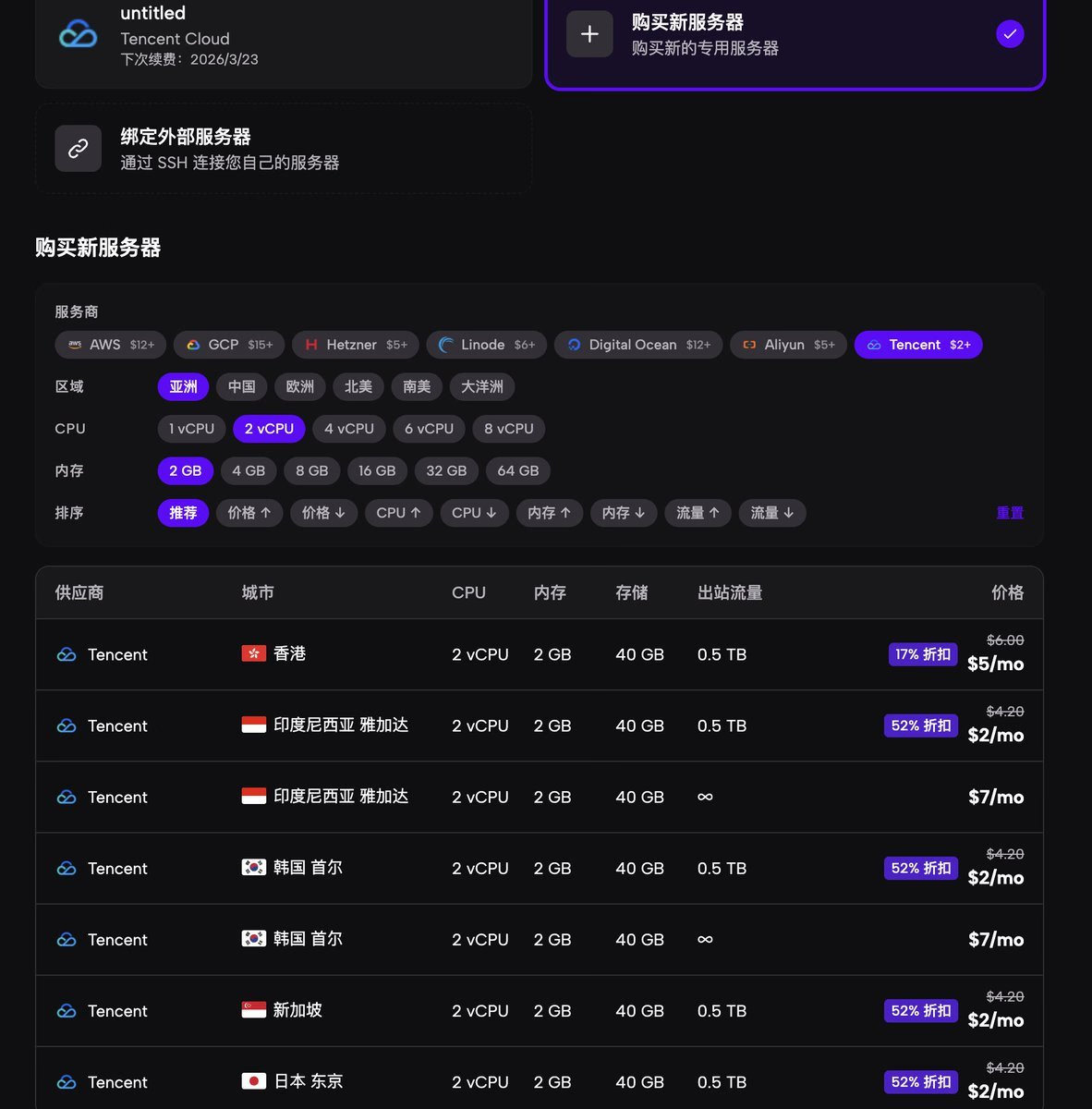
It is recommended to choose a US region server; some AI models cannot be used in other regions.
Create Project
After entering the console:
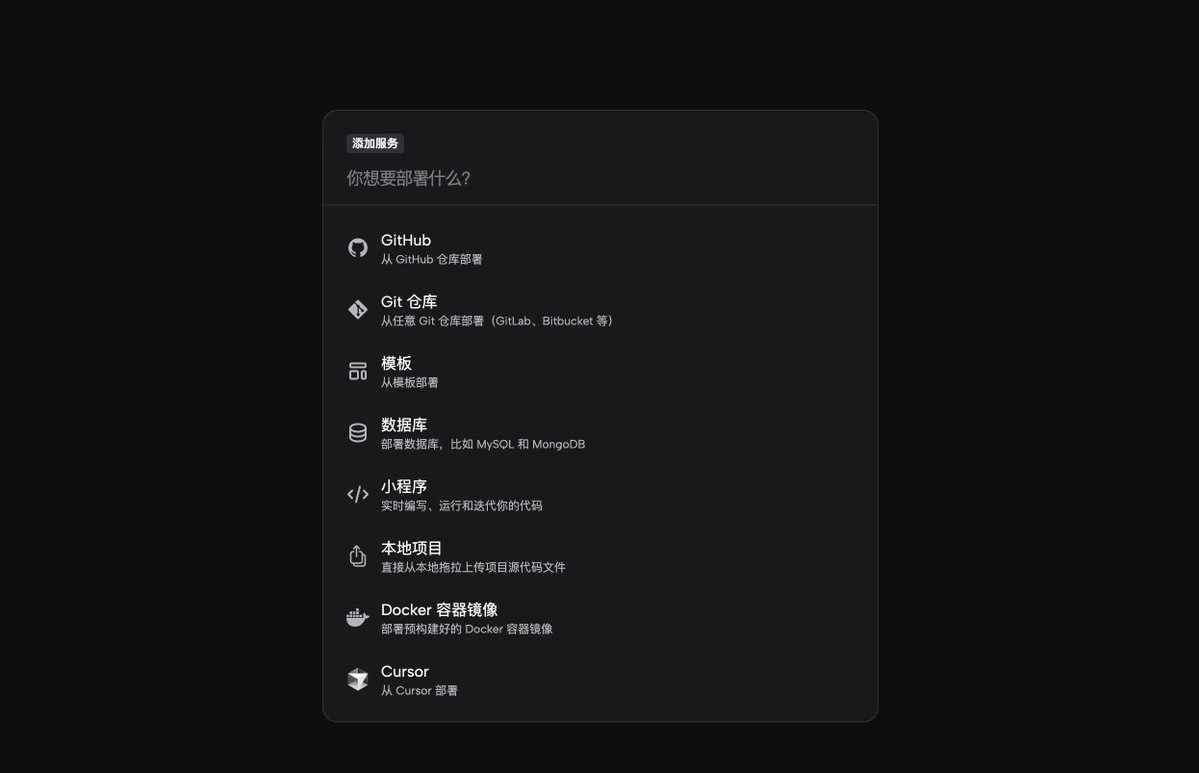
- Click "Add Project"
- Select Template
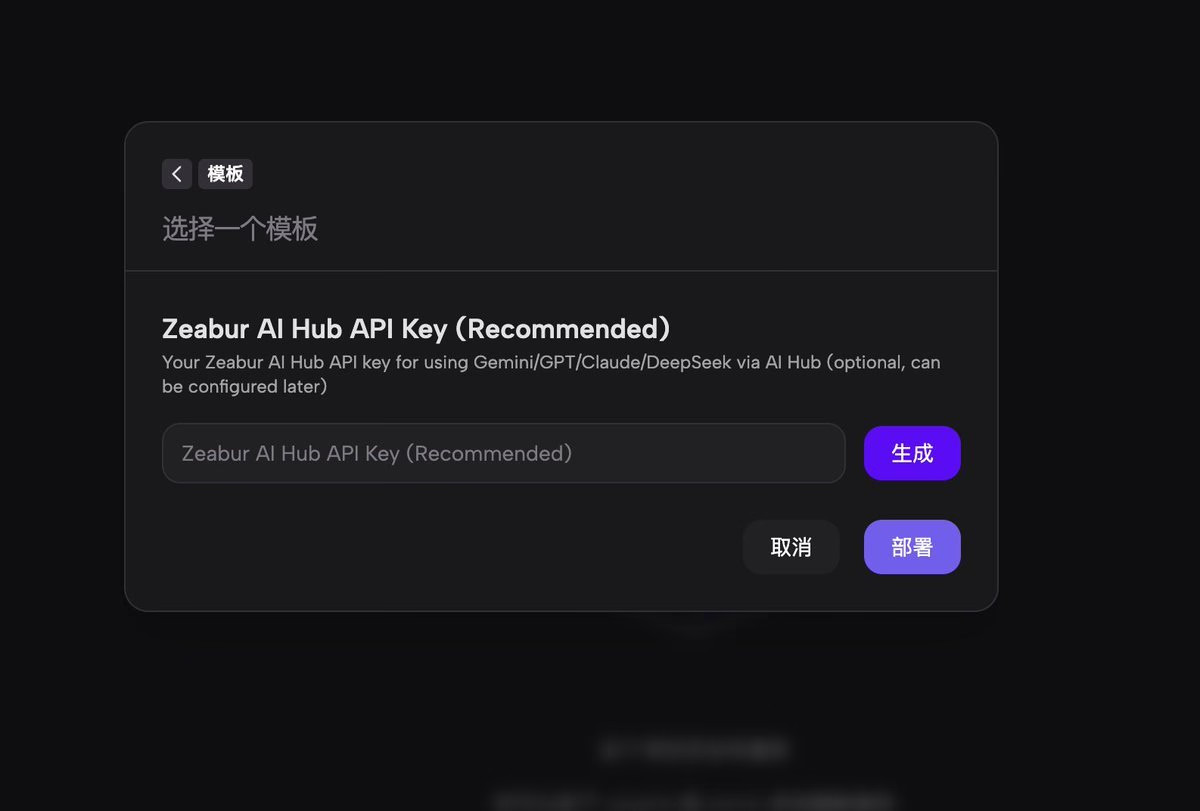
- Select openclaw
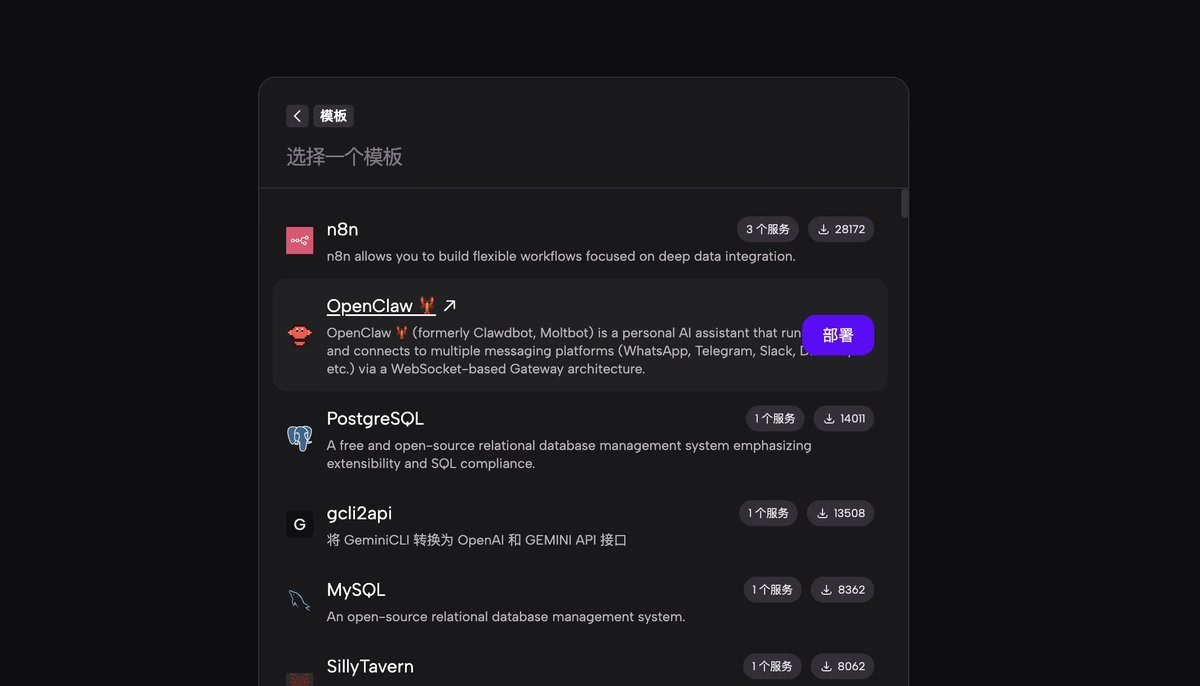
No need to fill in the API for now, just deploy directly.
Enter Terminal for Initialization
Wait for the project activation to complete:
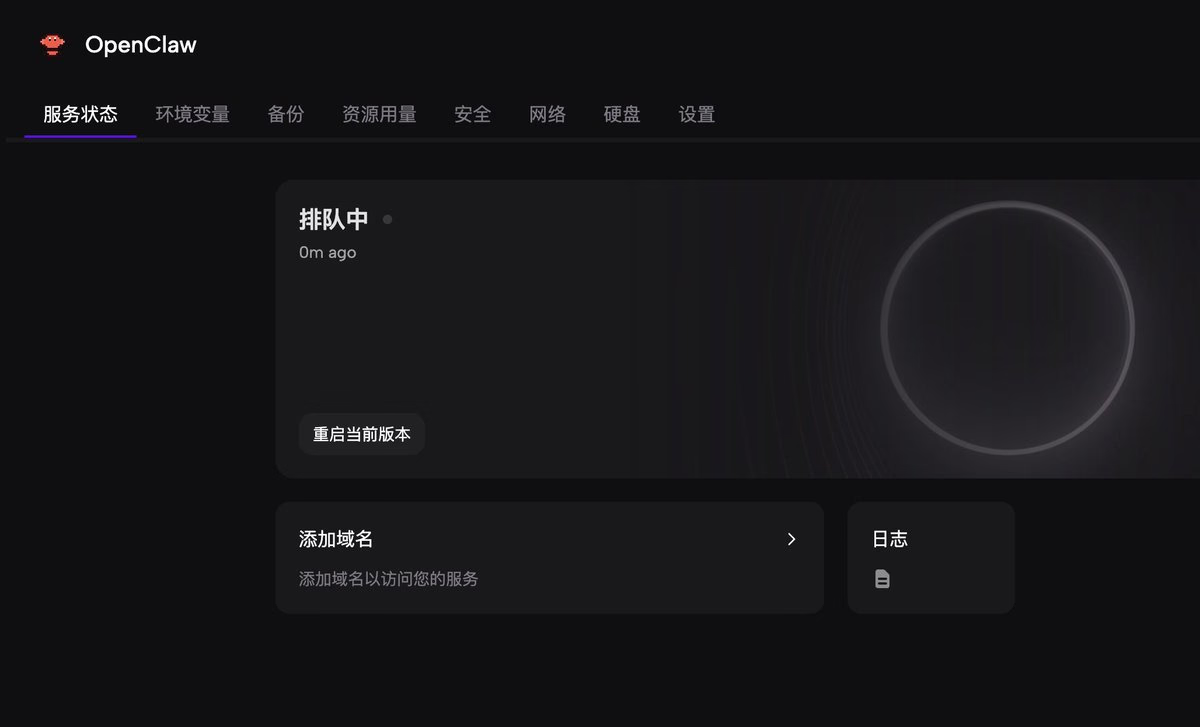
Enter the command:
openclaw onboard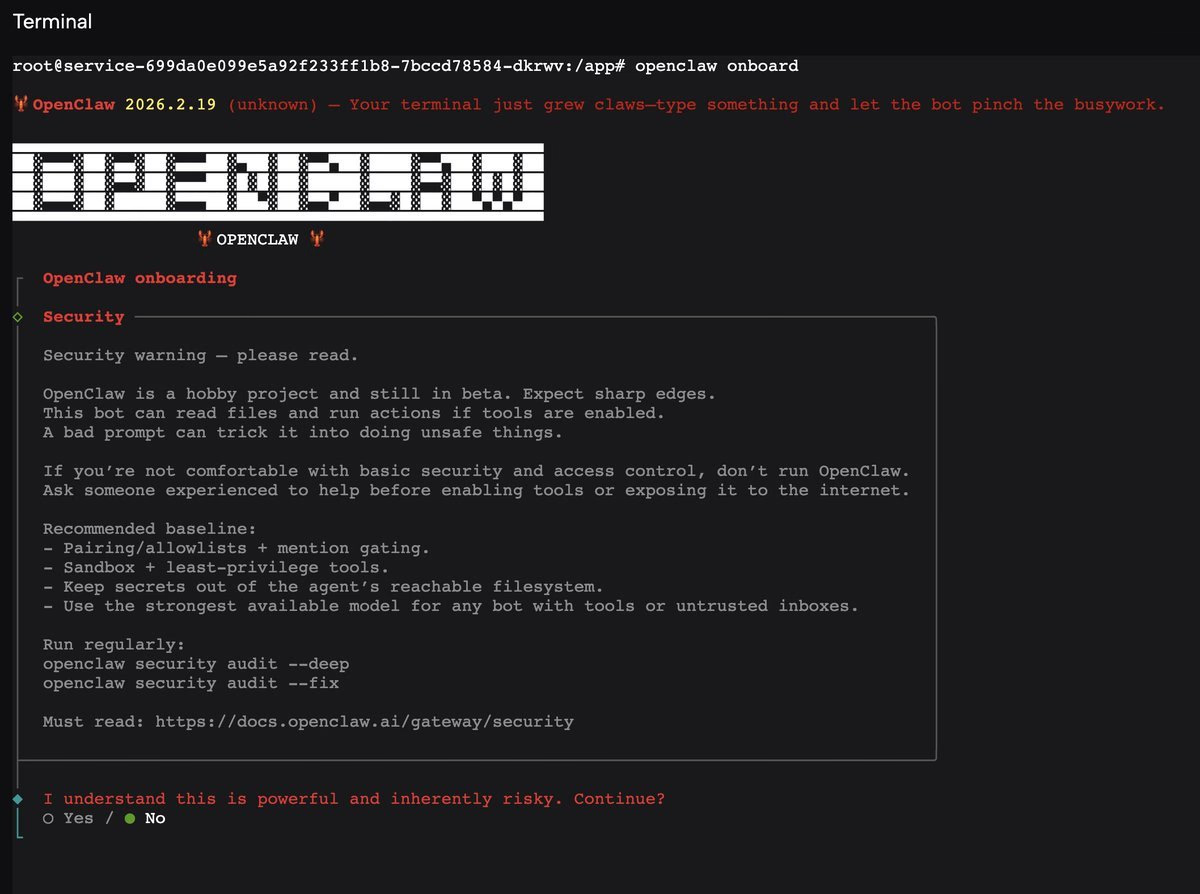
Pause here for now, let's go prepare the model.
4. Step 2: Purchase ChatGPT Model
The reason for recommending ChatGPT is simple:
- Supports monthly subscription
- Controllable cost
- Suitable for beginners
Purchase the $20/month plan to use Codex. Next, select Codex in the model configuration.
5. Generate Access Domain
Enter the Zeabur backend:
- Open Network
- Generate Domain
- Wait for it to take effect
Then find the Web UI link and open it.
6. Essential Security Settings
This is the most easily overlooked step.
If you do not disable public network access:
- Others may access your interface
- Consuming your model quota
Recommendations:
- Delete the public exposed interface
- Or disable public access permissions
You must do this.
Summary
With a $2 server, you can:
- Have your own AI Crayfish
- Connect to a Feishu bot
- Run AI services continuously
The key is not the configuration level, but:
Get the workflow running first.
It is not too late to upgrade once you are actually using it.
Changelog
87522-on
Copyright
Copyright Ownership:Sakurajiamai
License under:Attribution-NonCommercial-NoDerivatives 4.0 International (CC-BY-NC-ND-4.0)